The Core Essentials for a Remote Work Setup
You don’t need a lot of stuff — just the right stuff.
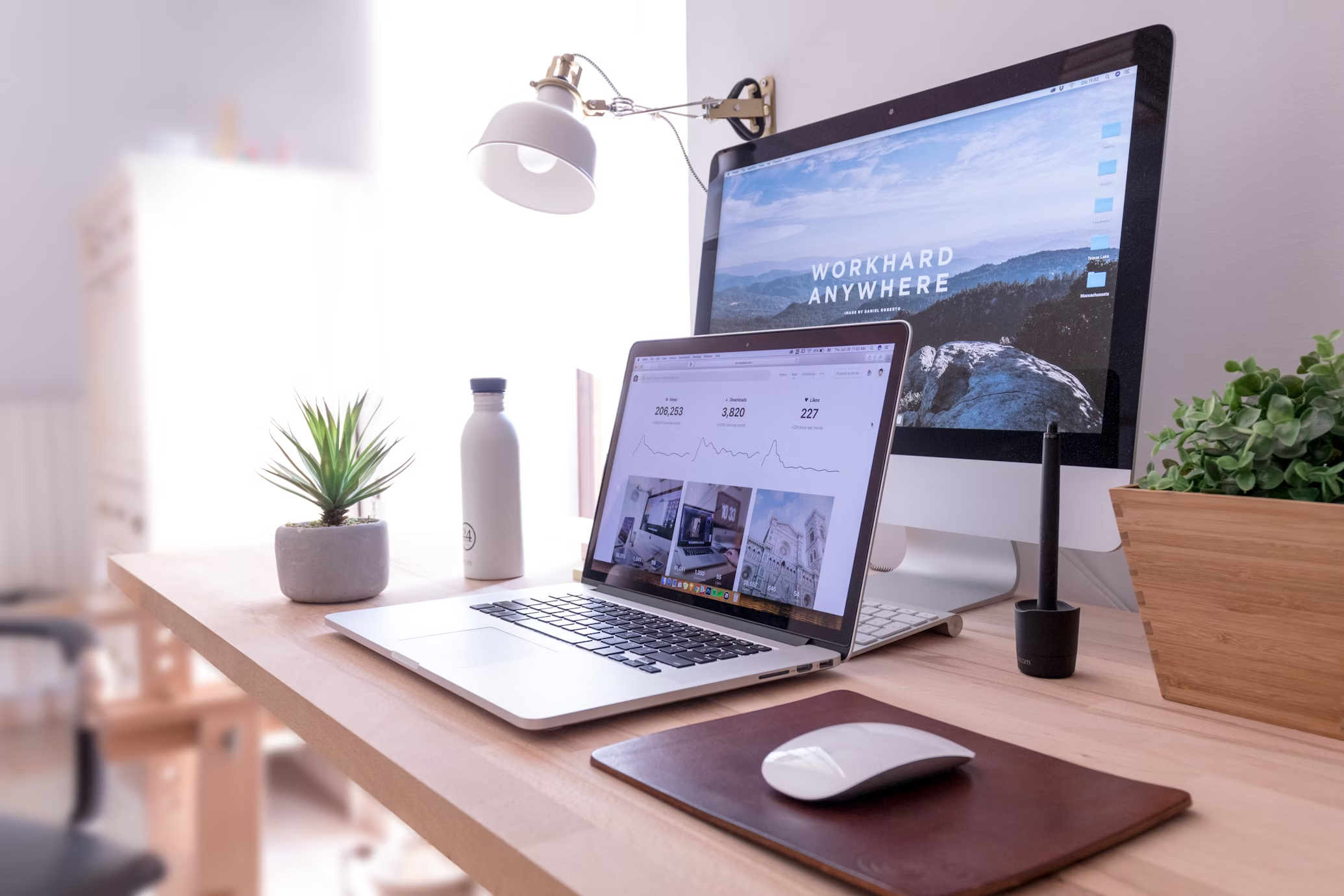
Here are the building blocks of a great mobile office:
More From GET WIRED UP NOW
A Good Laptop (Your Main Hub)
First things first: your laptop is still command central.
Make sure it’s:
- Lightweight (under 3 lbs is ideal)
- Has decent battery life (at least 8 hours)
- USB-C ports (makes connecting extra devices easier)
Pro Tip: If your laptop is over 5 years old, seriously consider upgrading. Speaking from experience, slow machines = lost productivity.
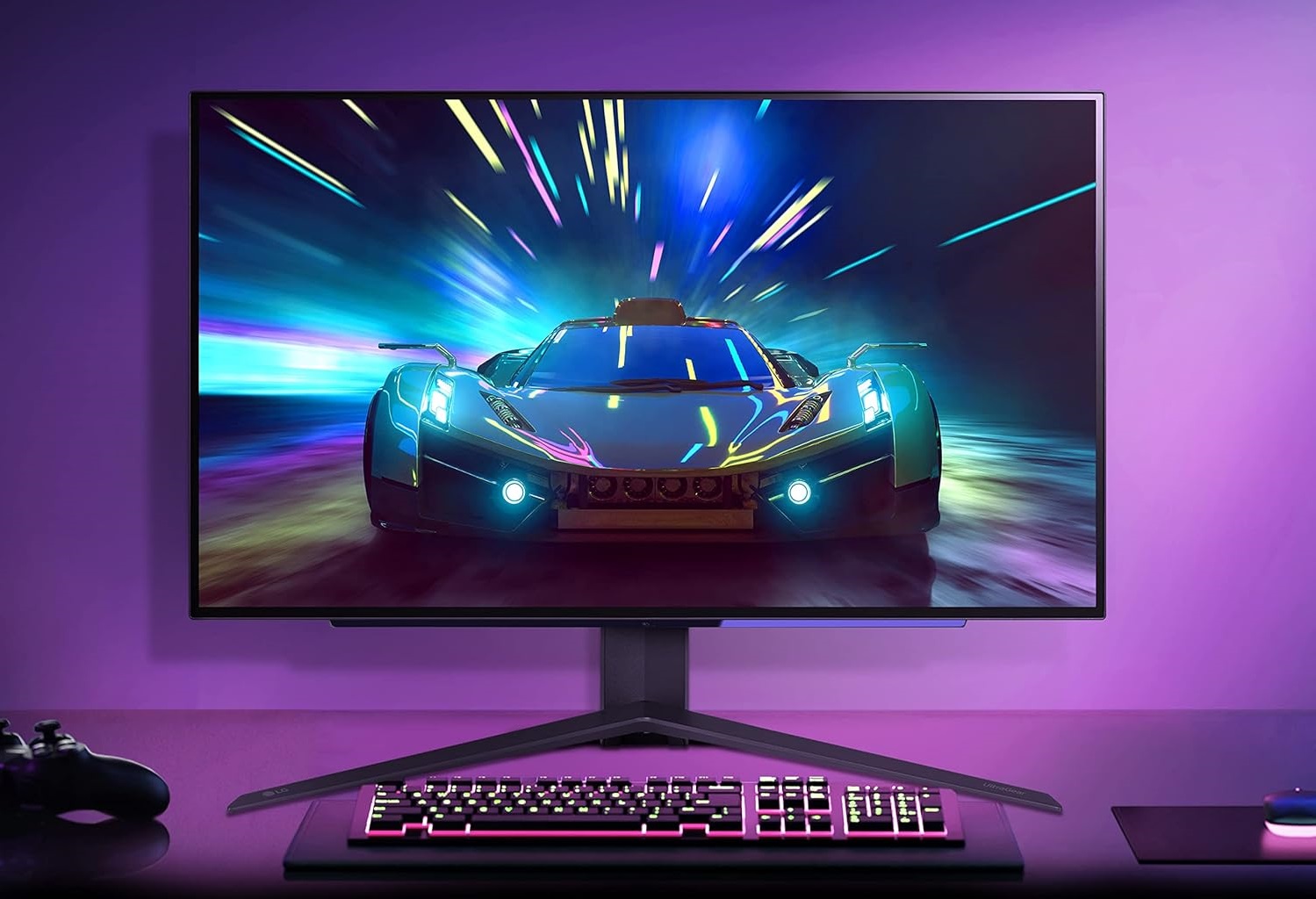
A Portable Monitor (Double Your Workspace)
Adding a second screen is a game changer.
It’s way easier to manage emails, presentations, creative work — without flipping between tabs 100 times.
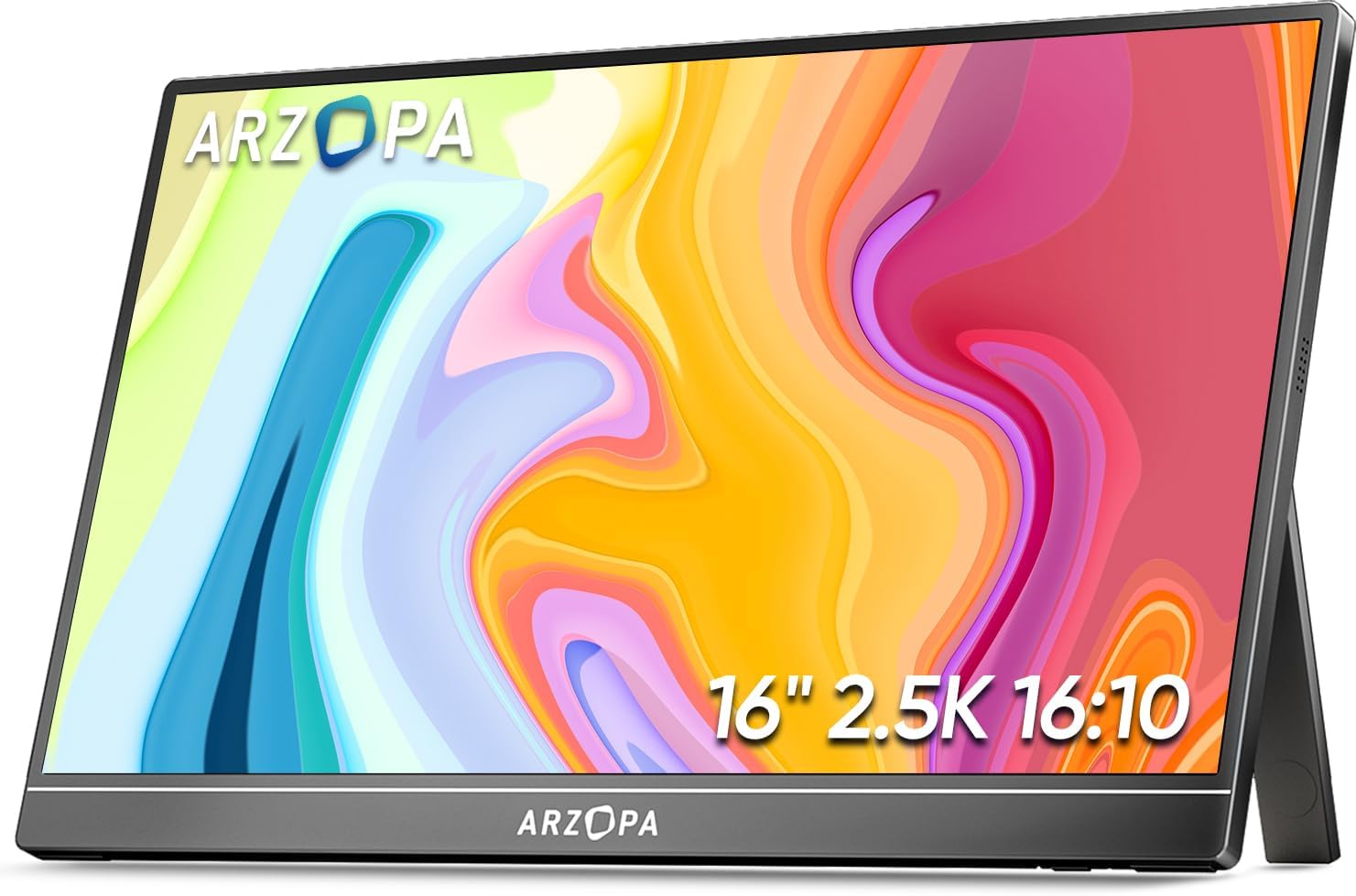
Top Pick: Arzopa Z1RC 2.5K Portable Monitor — lightweight, high-resolution, and affordable. (See full review in my Best Portable Monitors Guide)
Other solid options:
A Laptop Stand (Save Your Neck)
Hunching over your laptop for hours?
Fastest way to wreck your posture (and your productivity).
A foldable laptop stand lifts your screen to eye level — keeping your back straight and your setup ergonomic.
Top Pick: 👉 Lamicall Laptop Stand — adjustable, ultra-light, and folds small enough to toss in your bag

A Compact Wireless Keyboard and Mouse
Once your laptop is on a stand, you’ll need an external keyboard and mouse.
Pick compact, wireless models to keep your workspace neat and mobile.
Recommendations:
- Logitech MX Keys Mini — great for typing long hours
- Logitech MX Anywhere 3S Mouse — perfect for travelers
- ProtoArc Foldable Bluetooth Keyboard —lightweight and foldable
Noise-Canceling Headphones (Focus Mode: Activated)
Whether it’s loud coffee shops, busy airports, or thin Airbnb walls — noise happens.
Invest in good headphones to create your personal bubble of concentration.
Top Picks:
- Sony WH-1000XM5 (best noise canceling)
- Apple AirPods Pro 2 (best for portability)
Portable Charging Gear (Stay Powered Anywhere)
You’ll need flexible, travel-friendly charging solutions:
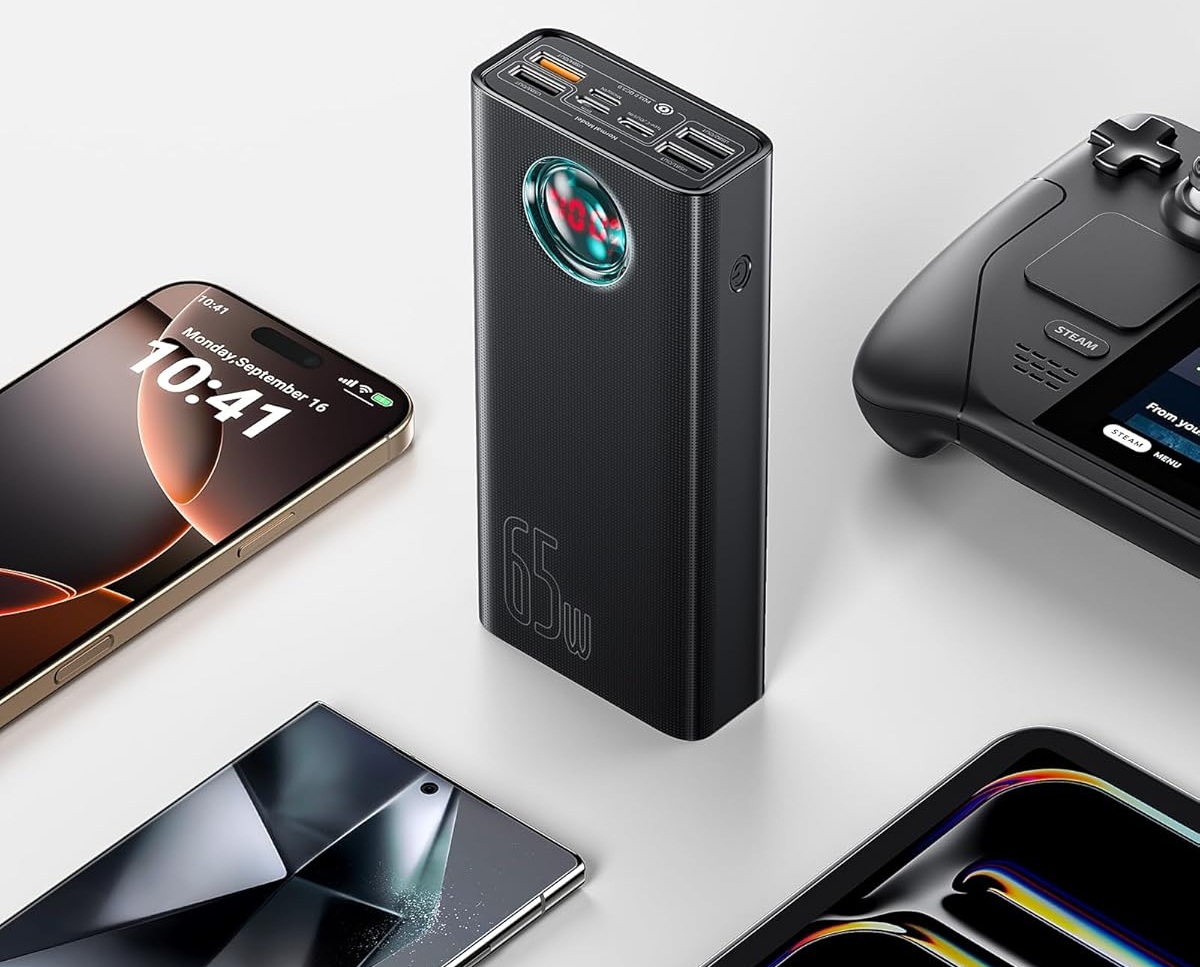
- Portable Power Bank — Anker 737 Power Bank (24,000mAh)
- Multi-Port Charger — Anker Prime (67W USB-C)
💬 Pro Tip: Bring a small power strip if you’re heading to hostels or shared spaces!
🛠 How to Set Up Your Desk Anywhere in 5 Minutes
Here’s my go-to 5-minute setup routine wherever I land:
- Find a stable surface with good lighting (desk, table, even kitchen counter).
- Set up your laptop on the laptop stand.
- Unfold and connect your portable monitor (single USB-C cable = magic).
- Connect your wireless keyboard and mouse.
- Plug into power if available, or use your power bank for mobile days.
- Put on your noise-canceling headphones if the space gets loud.
- Open your workflow apps… and crush it.
✅ Takes 5 minutes max.
✅ Feels like having a full office — anywhere.
✈️ Optional Extras for an Even Better Setup
- Portable Desk Lamp: Useful for dark hotel rooms. (I like the BenQ WiT)
- Foldable Desk Chair: If you’re staying somewhere long-term.
- Screen Privacy Filters: For working in public spaces without nosy neighbors.
- Compact Webcam: If your laptop camera sucks (look at Logitech MX Brio).
✨ Final Thoughts
Setting up a remote desk doesn’t have to be complicated or expensive —
it just needs to be smart.
With just a few portable, lightweight essentials, you can create a workspace that keeps you focused, productive, and comfortable — whether you’re two blocks from home or two continents away.
Your future self — the one closing deals from a hammock in Costa Rica — will thank you.