Buying a Gaming Monitor? Here’s What You Should Know
If you’ve been researching gaming monitors lately, you’ve probably noticed how overwhelming the choices feel. Between refresh rates, panel types, HDR standards, response times, color coverage, adaptive sync technologies, and all kinds of marketing buzzwords, it’s easy to get lost. The truth is: buying a gaming monitor today is very different from buying one even just five years ago. Displays aren’t just screens anymore—they’re performance tools. A good gaming monitor can make your gameplay smoother, your reaction times faster, and your visual experience richer. A bad one can bottleneck your setup no matter how beastly your GPU is.
That’s why it’s important to understand what all those specs actually mean for real-world gaming. Instead of throwing you a list of technical jargon, this guide breaks everything down in human language and weaves in a few standout monitors that are genuinely worth considering. Whether you’re a competitive FPS player, a story-driven RPG fan, or someone who wants a big cinematic display for immersive titles, you’ll walk away knowing exactly what matters—and what doesn’t—when picking the perfect gaming monitor.
Refresh Rate Is the First Thing You Should Look At
Most experts will tell you refresh rate is the single most important gaming-specific feature—and they’re right. Refresh rate determines how many times your monitor updates the image each second. A standard office monitor refreshes at 60Hz, meaning 60 frames per second. Gaming monitors, however, can go to 120Hz, 144Hz, 165Hz, 240Hz, or even 360Hz.
Even if you’re not a competitive gamer, the difference between 60Hz and 144Hz is enormous. Everything feels smoother—aiming, camera movement, character animations, and even scrolling through menus. Once you play at 144Hz or higher, you really don’t want to go back.
A great example of a high-value, ultra-smooth display is the AOC C27G2Z 27″ Curved Frameless Gaming Monitor (240Hz). It hits a sweet spot with a 240Hz refresh rate that makes fast-paced shooters feel incredibly fluid. What makes this model stand out is the price-to-performance ratio—you get pro-grade smoothness without spending a fortune. It’s especially good for players who’ve been stuck at 60Hz for years and want a monitor that instantly elevates their gameplay. It uses a VA panel, which gives you richer contrast than typical TN displays while still delivering excellent motion clarity. For competitive gaming at a budget-friendly price, it’s one of the most consistently recommended displays.

Response Time
If refresh rate determines how many frames you can see, response time determines how quickly pixels can transition from one color to another. A slow response time leads to motion blur, ghosting, and that smearing effect you sometimes see in dark scenes.
Most gaming monitors advertise “1ms,” but the truth is that manufacturers measure this in different ways. Some measure the best-case scenario, which isn’t always representative of real gameplay. What you want is a panel that actually performs quickly in practice—not just on paper.
One display that consistently performs well in the real world is the ASUS VG279QM 27” Fast IPS Gaming Monitor (280Hz). It uses a Fast IPS panel, which solves one of the biggest historical problems with IPS: slow response times. With this model, you get near-TN responsiveness but with IPS colors and viewing angles. It’s one of the few monitors that truly balances competitive-level motion handling, excellent color reproduction, and an extremely fast 280Hz refresh rate. For gamers who want both speed and quality, this is a top pick.
Panel Types
This is where most buyers get confused—and for good reason. Panel type dramatically affects how your games look.
IPS (Best Overall for Most Gamers)
IPS panels offer the best colors, best viewing angles, and overall the most balanced performance. They used to have slower response times, but modern Fast IPS monitors have nearly caught up to TN in speed.
Great for:
- RPGs, open-world titles, creative work, mixed-use
- People who care about color accuracy
- Players who want “the best of everything”
VA (Best Contrast + Best for Dark Games)
VA panels have significantly deeper blacks and higher contrast, making them amazing for titles like Elden Ring, Cyberpunk 2077, or The Witcher 3. The trade-off is slightly slower response times, which can cause ghosting in extremely fast games.
Great for:
- Immersive AAA games
- Curved displays
- Media consumption + cinematic experiences
TN (Outdated but Still Used for Esports)
TN panels are the fastest in terms of raw response time, but the worst in color and viewing angles. They’re mostly recommended only for high-level competitive esports players.
Great for:
- eSports players who want 360Hz
- Pure speed-focused setups
Screen Size & Resolution
Bigger isn’t always better, especially if your graphics card can’t handle the resolution. A lot of buyers make the mistake of purchasing a 4K monitor, only to find their PC struggles to maintain high frame rates.
1080p (Best for Competitive Gamers)
Perfect for high refresh rates like 240Hz and 360Hz. Easy on your GPU.
1440p (Best Sweet Spot for Most Gamers)
Sharper than 1080p but easier to run than 4K. This is today’s most recommended resolution.
4K (Best for Cinematic Visuals)
Amazing clarity, but requires a strong GPU. Better for story-driven games than competitive shooters.
HDR on Gaming Monitors
HDR is one of the biggest marketing traps in the gaming monitor world. Many companies slap “HDR” on their product pages, but most monitors under $500 don’t meet true HDR standards. Real HDR needs high brightness, local dimming zones, and significant contrast.
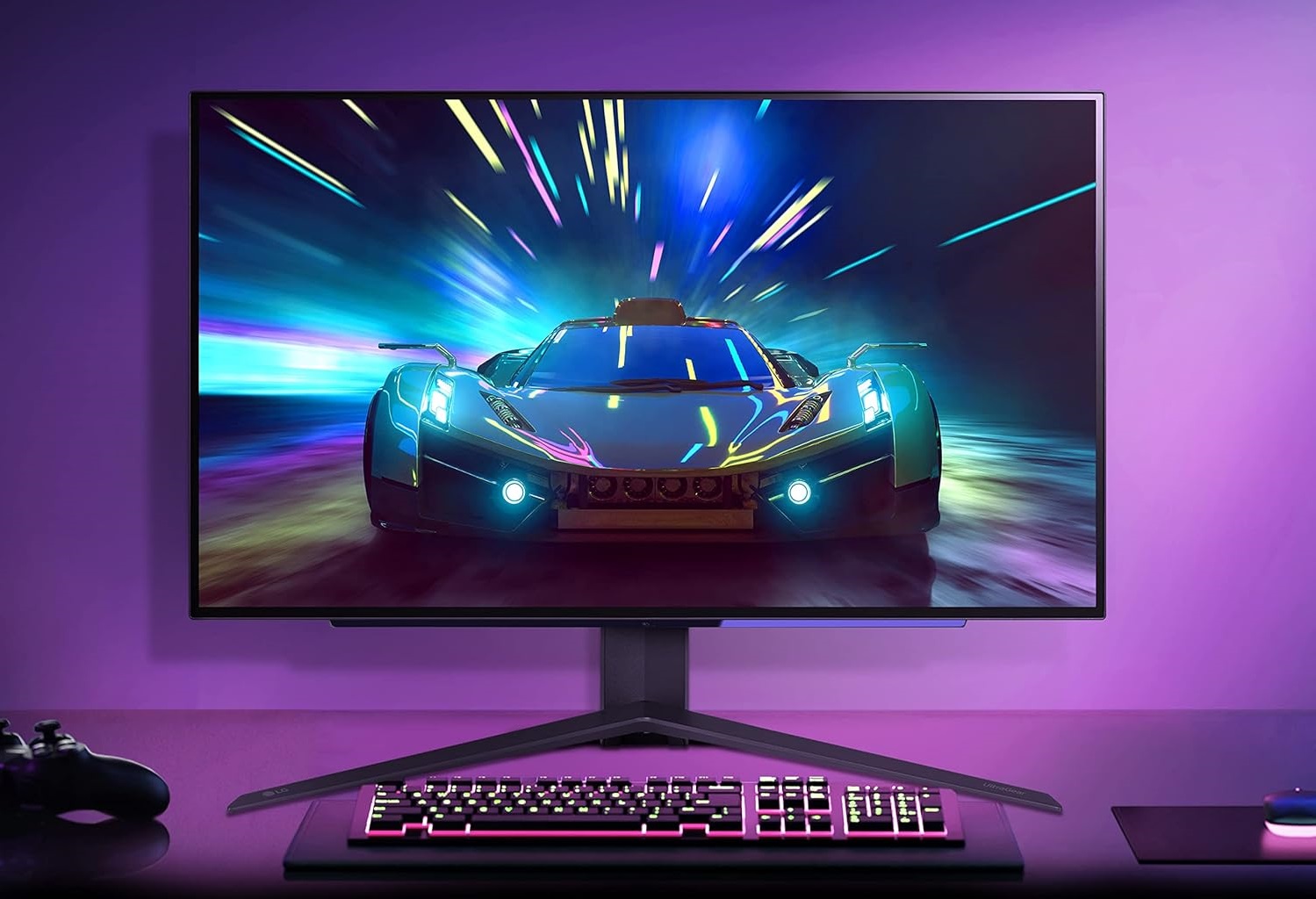
If you really want proper HDR (not fake HDR), you’re looking at something like the LG UltraGear 27GR95QE-B 27” OLED Gaming Monitor. OLED panels offer pixel-level lighting, meaning every pixel can individually turn on or off. This gives you infinite contrast, perfect blacks, and breathtaking HDR performance. Colors pop, shadows look realistic, and cinematic games look like they were meant to be experienced this way.
OLED monitors also have essentially instant response times, making motion buttery smooth. They’re not cheap, but if you want the highest-quality image for immersive gaming, the LG OLED models are on another level entirely.

G-Sync vs. FreeSync
If you’ve ever experienced screen tearing—those horizontal lines that appear when your GPU and monitor fall out of sync—this feature matters a lot.
FreeSync
- Budget-friendly
- Supported on most AMD GPUs and many NVIDIA GPUs
- Wide monitor selection
G-Sync Compatible
- Also works on FreeSync monitors
- Good performance for NVIDIA GPUs
G-Sync Ultimate
- True hardware G-Sync module
- Best performance
- More expensive
For most people, a FreeSync Premium or G-Sync Compatible monitor is more than enough. You only need G-Sync Ultimate if you want the highest-end experience and don’t mind paying extra.
One excellent FreeSync Premium monitor that performs beautifully across both NVIDIA and AMD cards is the Samsung Odyssey G7 27″ Curved QHD 240Hz Monitor. This is one of Samsung’s most beloved models because it blends an ultra-fast 240Hz refresh rate with a rare 1000R curve that makes gaming feel more immersive. Its VA panel delivers incredible contrast, making games look vivid and deep. It’s one of the few monitors where you get speed, immersion, and visual richness without major compromises.
Curved vs. Flat Monitors
Curved monitors aren’t just about style—they change the way gaming feels. A curved display gently wraps around your field of vision, increasing immersion and reducing eye movement. This is especially noticeable on ultrawide monitors.
However, curved isn’t always better. If you play competitive shooters, a flat panel might be better for precision. If you love open-world, racing, or simulation games, curved displays truly shine.
A standout curved option that merges immersion with excellent motion handling is the MSI Optix MAG342CQR 34” Ultrawide 144Hz Monitor. Ultrawides open up your entire field of view, making games feel more cinematic while giving you extra peripheral awareness in shooters and racing titles. This MSI model delivers great contrast, wide screen real estate for multitasking, and a fast 144Hz refresh rate—all without the crazy price tag of premium ultrawides.

Color Gamut
A wider color gamut means more vibrant, lifelike visuals. If you’re someone who appreciates rich colors, look for monitors with:
- 95%+ DCI-P3
- 100% sRGB
- 90%+ Adobe RGB (for creators)
This matters especially if you want your games to look “punchy” and vivid. IPS and OLED panels tend to excel here the most.
Connectivity: Why Ports Matter More Than You Realize
A lot of gamers forget to check ports—and then discover their GPU can’t run the monitor at its full potential.
Here’s what to look for:
- DisplayPort 1.4 – Best for 144Hz+ gaming
- HDMI 2.1 – Required for high-refresh-rate 4K gaming on PS5/Xbox Series X
- USB-C – Useful for dual PC/laptop + gaming setups
- USB Hub – Nice for accessories
- KVM Switch – Lets you control two devices with one keyboard/mouse
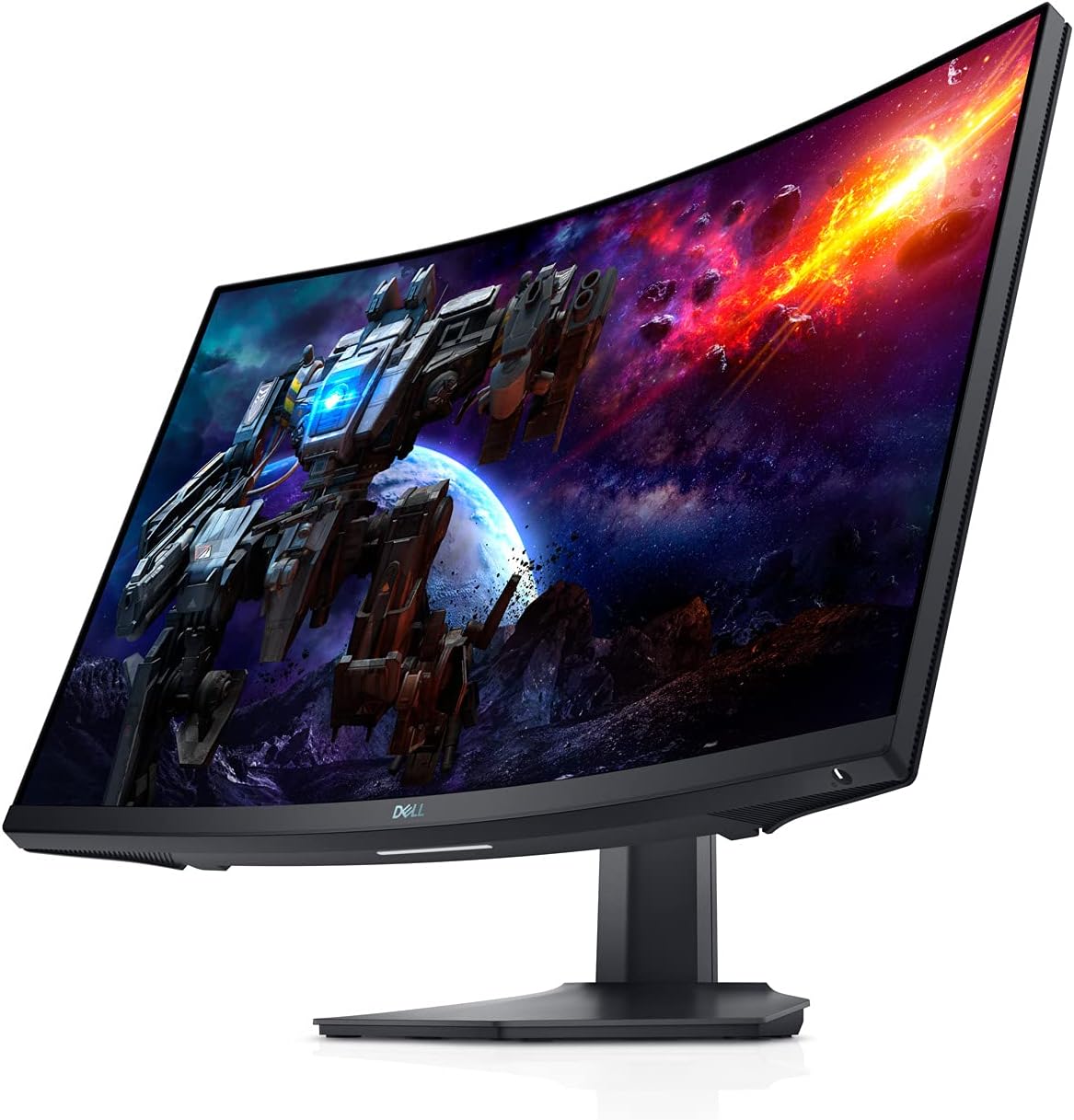
One monitor with exceptional port flexibility is the Dell S2722DGM 27” QHD 165Hz VA Monitor. Dell quietly makes some of the most reliable gaming monitors on the market. This model includes versatile ports, great contrast, and ultra-clean build quality. The curvature feels natural rather than intense, and the 165Hz refresh rate is perfect for gaming without being overkill. It’s a sleeper hit among gaming monitors that delivers strong performance at a very budget-friendly price point.
Build Quality & Ergonomics
A monitor with a cheap stand or limited adjustments can ruin your setup comfort. Look for:
- Height adjustment
- Tilt
- Swivel
- VESA compatibility
You want your monitor positioned so your neck isn’t strained and your eyes aren’t constantly adjusting.
What About Console Gaming?
If you’re using a PS5 or Xbox Series X, focus on:
- 4K resolution
- 120Hz support
- HDMI 2.1 ports
- VRR (Variable Refresh Rate)
- Low input lag
One of the best console-friendly monitors is the LG 27GP950-B 27” 4K 144Hz Monitor. It supports full HDMI 2.1, handles 4K 120Hz gaming perfectly, and offers gorgeous color reproduction. It’s fantastic for both PC and console players who want a monitor that grows with their setup.
Gaming Monitor Recommendations by Category
| Category | Recommended Monitor | Why It’s a Top Pick |
|---|---|---|
| Best Budget High-Refresh Display | AOC C27G2Z 27” 240Hz Curved Gaming Monitor | Delivers ultra-smooth 240Hz performance at one of the best price points on the market; great entry point for competitive players upgrading from 60Hz. |
| Best All-Around IPS for Most Gamers | ASUS VG279QM 27” Fast IPS 280Hz | Combines IPS color accuracy with exceptional motion clarity and an impressively fast 280Hz refresh rate, ideal for both competitive and casual gaming. |
| Best HDR / OLED Experience | LG UltraGear 27GR95QE-B OLED | Features true OLED blacks, pixel-level contrast, instant response times, and the best HDR performance you can get without going to high-end TVs. |
| Best Curved Fast Monitor | Samsung Odyssey G7 27” 240Hz | Highly immersive 1000R curve, incredibly fast 240Hz refresh rate, strong contrast, and top-tier motion handling for fast-paced titles. |
| Best Ultrawide | MSI Optix MAG342CQR 34” Ultrawide 144Hz | Delivers a cinematic ultrawide experience at a great price, with strong contrast, a comfortable curve, and a smooth 144Hz refresh rate. |
| Best Budget Mid-Range | Dell S2722DGM 165Hz | Excellent build quality, great value, strong contrast, and a clean design make this one of the best mid-range VA monitors available. |
| Best for Consoles (PS5/Xbox) | LG 27GP950-B 4K 144Hz HDMI 2.1 | Perfect for 4K 120Hz console gaming thanks to HDMI 2.1 support, low input lag, and stunning color performance for both PC and consoles. |
What You Actually Need to Know Before Buying
Buying a gaming monitor is one of the most impactful upgrades you can make for your setup. Unlike GPUs or CPUs that eventually get outdated, a good monitor can last you five to seven years easily. That’s why choosing the right one matters so much.
Here’s the simple rule of thumb:
- Competitive gamers → Get 144Hz to 240Hz, 1080p or 1440p, Fast IPS or TN
- All-around gamers → Get 1440p 144–170Hz IPS
- Cinematic/immersive players → Get VA or OLED with great contrast
- Console + PC heroes → Get 4K with HDMI 2.1
- Productivity + gaming → Get ultrawide or a monitor with KVM
When you match the monitor to the way you actually play games, everything just clicks. You feel more connected to your movement, visuals look sharper, and your hardware can finally shine the way it’s meant to.
If you’re building a gaming setup in 2025, a great monitor isn’t an accessory—it’s a foundation. Invest in the right one, and every session becomes smoother, sharper, and simply more fun.