How to Set Up a Smart Living Room
Creating a smart living room is about more than just installing a few gadgets—it’s about transforming your space into a cohesive, intuitive environment that enhances comfort, convenience, and efficiency. A thoughtfully designed smart living room lets you control lighting, entertainment, climate, and security through single commands, routines, or even natural voice interaction. This level of integration not only simplifies your daily routines but also yields tangible benefits—energy savings, enhanced ambiance, improved security, and an elevated sense of control over your home.
To make this transformation seamless, the guide follows a logical setup flow: starting with a robust smart hub to unify devices, followed by smart lighting for mood and energy management, then entertainment integration, smart plugs for extra flexibility, and optional enhancements to round it all out. Each step builds upon the last, ensuring a smart living room that’s not only functional from day one but also scalable for future upgrades. With practical reasoning behind each phase, this approach saves you from the frustration of disjointed apps, incompatible devices, and fruitless automations. You’re building a space that reacts to your lifestyle—with minimal maintenance and maximum enjoyment.
Beginner’s Guide for Building a Smart Living Room
Choose & Install Your Smart Home Hub (Voice & Control Center)
Your smart hub—whether it’s an Echo, Nest Hub, or HomePod mini—is the brain of your smart living room. This device centralizes control, enabling disparate gadgets (lights, plugs, thermostat, TV) to work together seamlessly. By consolidating everything into one system, you avoid needing multiple apps or conflicting setups. A robust hub also enables local execution, improving privacy and reducing reliance on cloud services. Placing it centrally ensures reliable voice commands and a strong network connection. Skipping a hub can lead to fragmented control and more frequent technical issues.
Connect Smart Lighting (Ambience & Convenience)
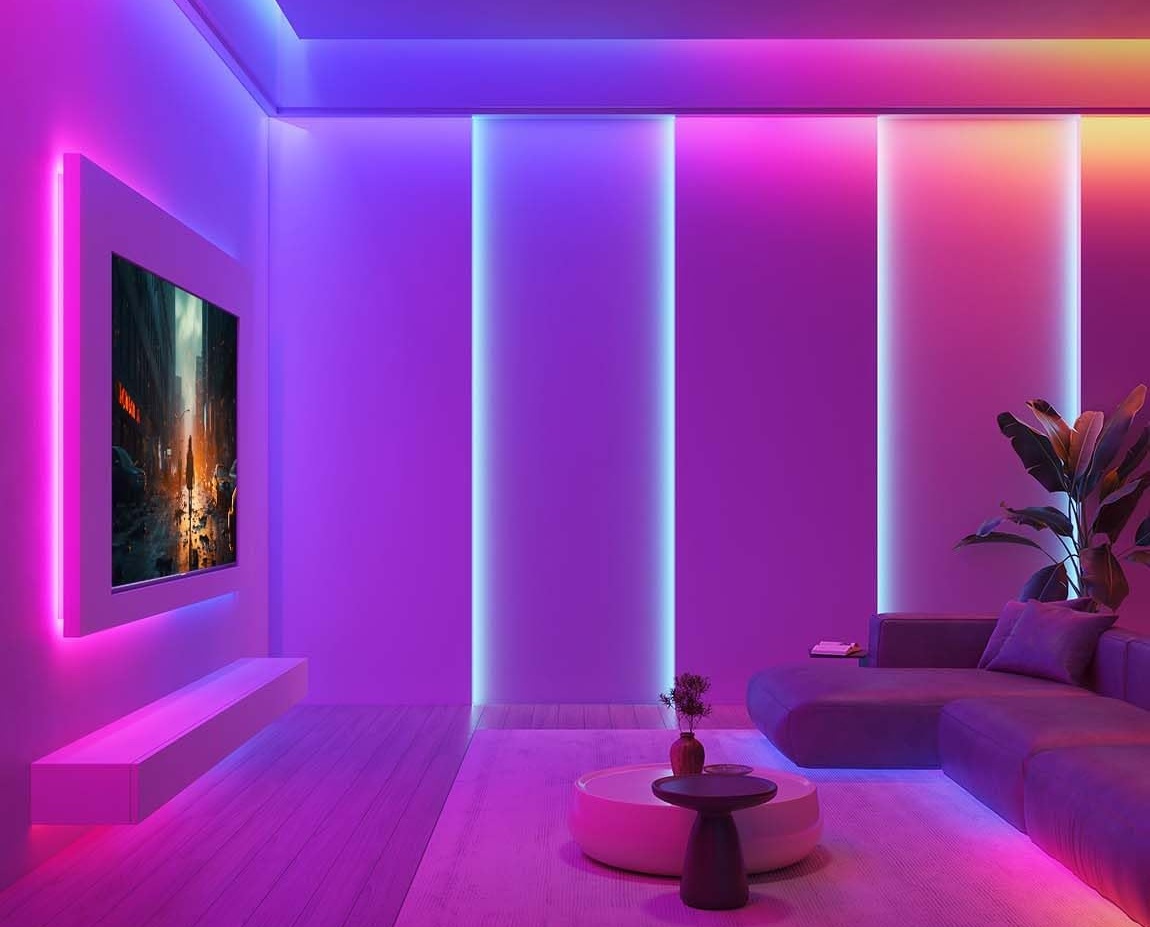
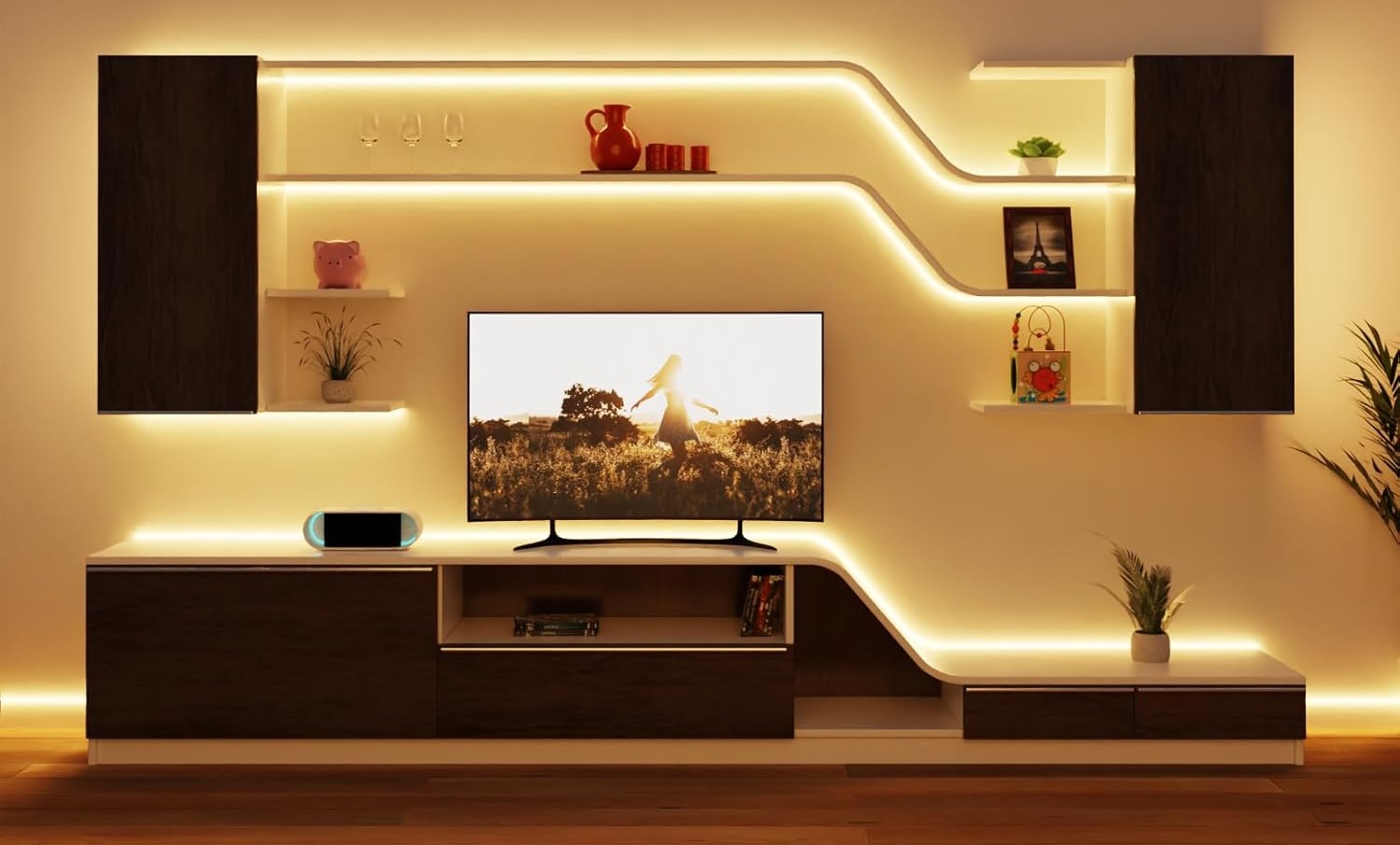
Smart bulbs are about more than colors—they redefine how you interact with your space. With voice, app, or automated schedules, you can control your lighting by mood, activity, or the time of day. They reduce energy use dramatically (LEDs consume up to 90% less power than incandescent) and last tens of thousands of hours, saving money and maintenance. Scheduled light changes also enhance security by simulating occupancy when you’re away. Thoughtful lighting design even aligns with circadian rhythms, supporting your well-being and interior design trends
Install Your TV or Streaming Device (Entertainment Core)
Your TV or streaming stick adds life to your living room. Whether it’s a Fire TV Stick, Roku, or smart TV, integrating it gives you voice control over shows, music, and movies. This step shifts your system from reactive to immersive: with routines like “Movie Night,” lights and media sync in harmony. Voice-enabled entertainment ensures a cohesive user experience and simplified control over all media elements. It’s a gateway to a fully automated and enjoyable media setup.
Add Smart Plugs & Attach Extras (Flexibility & Automation)
Your smart hub—whether it’s an Echo, Nest Hub, or HomePod mini—is the brain of your smart living room. This device centralizes control, enabling disparate gadgets (lights, plugs, thermostat, TV) to work together seamlessly. By consolidating everything into one system, you avoid needing multiple apps or conflicting setups. A robust hub also enables local execution, improving privacy and reducing reliance on cloud services. Placing it centrally ensures reliable voice commands and a strong network connection. Skipping a hub can lead to fragmented control and more frequent technical issues.
Enhance with Optional Extras (Comfort, Security & Maintenance)
Once the basics are in place—hub, lights, entertainment, plugs—you can layer in smart thermostats, motorized shades, robot vacuums, or security cameras. These deeper integrations—especially with your routines—help manage temperature, lighting, privacy, and even cleaning without manual input. Each adds another dimension to convenience, energy efficiency, and security, elevating your living room from smart to intuitive and maintenance-light. They round out a fully integrated, future-ready household.
Full Setup Flow – Step-by-Step Summary
- Pick ecosystem (Alexa, Google, HomeKit) for compatibility and simplicity.
- Install hub centrally to unify voice, routines, and device control.
- Swap in smart bulbs to unlock ambience, automation, savings, and mood.
- Group devices (lights, plugs, TV) for easier voice and routine control.
- Install streaming stick/TV, enabling media control within routines.
- Add smart plugs and extras for added automation and energy management.
- Add advanced devices—thermostat, shades, security—for comfort and protection.
- Secure setup: strong Wi‑Fi, firmware updates, clear naming.
Alexa Smart Home Bundle
Echo Show – Your Smart Living Room Brain
A vibrant 8″ HD touchscreen, the Echo Show kicks off the ecosystem. It handles local routines, automations, and voice commands for all connected devices with fast response and solid sound quality. It also works as a media centerpiece, blending visual and auditory interaction—great for multitasking spaces.
Use Case: Central command station—control lighting, plugs, room environment, video chat, watch streaming, or display family calendars and photos. Ideal balance of screen size and audio quality .

Sengled Smart Bulb Starter Kit – Accent Lighting Control
With the Sengled smart bulbs, you get voice-enabled lighting right away. Schedule routines (like dimming at sunset) or set scenes like “reading” or “movie time.” It’s an instant upgrade with energy savings and ambiance control.
Use Case: Set ambient lighting for movie nights, reading time, or party mode—all voice‑controlled by Alexa through the Echo Show’s hub. Easy to automate and group by color scenes.

Amazon Smart Plug – Expandable & Practical
The Amazon Smart Plug lets you voice-control everyday items. Want your side lamp or fan to respond to “Alexa, good morning”? Done. No rewiring required—just plug in, name it in the Alexa app, and it’s part of your smart routine.
Use Case: Turn devices on/off remotely or via voice. Use routines like “Echo Show, start movie time” to dim lights (via bulb) and turn off extra plugs.

Amazon Fire TV Stick 4K Max – Entertain to the Max
This is the best streaming device choice for an Alexa‑centric smart home. The Fire TV Stick 4K Max supports 4K Ultra HD, Dolby Vision, HDR10+, and Dolby Atmos, and even includes Wi‑Fi 6E for smooth, buffer‑free streaming of your favorite content. It’s also the most responsive Fire TV model available thanks to its upgraded processor and 16 GB of internal storage—perfect for quick navigation and fast app launches.
What makes it especially powerful in your smart living room is native Alexa integration. You can say, “Alexa, find a comedy movie,” or “Alexa, launch Netflix,” without ever touching the remote. Better yet, aim your Echo Show at the TV and voice-control the Fire Stick just as easily, creating a unified audio‑visual experience across devices.
Use Case: With this device in your setup, you can say, “Alexa, movie time”, and you can just watch as your Sengled smart bulbs dim, the SwitchBot blinds close, the ecobee thermostat lowers slightly, the Amazon Smart Plug turns off unnecessary devices, and the Fire TV Stick 4K Max launches your streaming app—all coordinated in under a second.

ecobee Smart Thermostat Essential – Smart Climate Control
The ecobee Smart Thermostat Essential is a sleek and affordable way to bring intelligent temperature management to your living room. It features a full-color touchscreen and delivers energy savings through its eco+ scheduling and smart recovery modes. What sets it apart is its effortless compatibility with Alexa. Beyond voice control, it supports scheduling via the ecobee app or touchscreen, with options like vacation mode and utility rebate eligibility—making it a smart, cost-saving addition that complements the lighting, plugs, and media automation you already control with your Echo Show.
Use Case: Enable the ecobee skill, discover the thermostat in your Alexa app, and adjust the living room temperature using voice commands like “Alexa, set the living room to 72 degrees”.

SwitchBot Blind Tilt Motorized Blinds – Voice-Controlled Natural Light & Privacy
Enhance comfort and convenience with the SwitchBot Blind Tilt Motorized Blinds. These smart rollers automate your window blinds’ tilt with Alexa voice commands—whether it’s to soften morning light or secure privacy in the evening. Users can say “Alexa, close the blinds” and enjoy hands-free control directly through your Echo Show. Smart blinds not only streamline daily routines but also help manage natural light and energy efficiency . At around $70, the SwitchBot Tilt motor is an economical retrofit solution that pairs with existing blinds and supports schedules, scenes, or routines.
Use Case: To help you get out of bed, you could say “Alexa, open the blinds”, allowing natural sunlight to come into your room to start your day off right!
Note: This does require the SwitchBot Hub.

Your living room is now a fully connected smart space, anchored by the Amazon Echo Show, which serves as your visual control center and smart hub. The Sengled Smart Bulb Starter Kit brings efficient voice‑controlled lighting to the space—once linked through the Sengled Home skill in the Alexa app, you can ask Alexa to dim, brighten, or adjust your bulbs seamlessly. The Amazon Smart Plug amplifies this control, allowing you to power lamps, fans, or entertainment devices on and off via voice or routines. The Amazon Fire TV Stick 4K Max elevates your movie watching experience. Temperature is handled elegantly by the ecobee Smart Thermostat Essential, offering Alexa control and scheduled automation for energy savings and comfort, with room‑sensor support and easy setup via the ecobee and Alexa apps. Finally, the SwitchBot Blind Tilt Motorized Blinds round out the experience—this retrofit device easily clips to your existing Venetian blinds, then uses a small motor and solar panel to tilt slats open or closed, all controllable by voice or on a schedule through Alexa once you add a SwitchBot Hub.
Together, these six products create a unified, automated living room: a simple “Alexa, movie time” command can dim your Sengled bulbs, turn off the plug, set the thermostat back a few degrees, close the blinds, and start your movie, all under a second! The Echo Show ties it all together, offering visual confirmations—like showing the current temperature or blinds status—alongside voice control. With entertainment, lighting, climate, power, and natural light all managed effortlessly and coherently, your space feels smart, intuitive, and personalized.
Google Smart Home Bundle
Google Nest Hub (2nd Gen) Smart Display – Your Visual Command Center
This smart display consolidates visual control of your smart home in one central hub. Use it to view live camera feeds, adjust lighting, control thermostats, launch routines, watch YouTube or Netflix, and get visual feedback from sensors or doorbells—all with voice or touch. Nest Hub supports Matter-compatible devices too, making setup simple and intuitive.
Use Case: This compact smart display is your home’s intuitive touchscreen hub—perfect for controlling your Google Assistant devices, viewing live camera feeds, checking calendar or reminders, and using routines. It also doubles as a personalized digital photo frame for your Google Photos albums when idle. With its built-in Soli sensor for gesture controls (like waving to silence alarms) and optional Sleep Sensing (tracks sleep duration and breathing without a camera), it enhances both everyday automation and wellness monitoring without personal intrusion.

Philips Hue White Ambiance Starter Kit – Warm-to-cool white lighting kit for everyday scenes
This kit includes four soft white tunable bulbs plus a Hue Bridge, giving seamless app or voice control of subtle, refreshingly natural lighting—from cozy warm evenings to crisp daylight tones. Command Google with “set lights to reading mode” or schedule brightness transitions through routines. A smart lighting foundation without the color splash.
Use Case: Just say “Hey Google, movie night lighting mode” to set custom ambiance with rich colors or soft brightness—integrated into routines for immersive viewing.

DAYBETTER RGB LED Light Strip Kit – Budget RGB accent lighting
This flexible 100-ft LED strip kit supports full voice control and music-syncing features. Simply say, “Hey Google, turn on strip lights in party mode,” and watch the lights respond to sound or scene commands. A cost-effective way to add immersive, ambient accent lighting behind TVs, furniture, or shelves.
Use Case: Bring dynamic ambiance to your living room or entertainment space with voice‑activated RGB lighting. Simply say “Hey Google, set light strip to party mode” or add it to your movie-night routine to sync lighting across your space with music or streaming—creating immersive, customizable illumination that responds to your mood.

Govee Smart Plug – Expandable & Practical
These smart outlets let you power lamps, fans, chargers, or appliances—controllable via voice, app, or scheduled timers. With built-in Google Assistant and Alexa compatibility and no hub required, they’re great for automations like routines (“Hey Google, bedtime” turns off bedroom lamp and TV).
Use Case: Turn devices on/off remotely or via voice. Just plug your humidifier into the smart plug, set it up in the Google Home app, and say “Hey Google, turn off the humidifier”.

Google TV Streamer 4K – Affordable Chromecast with Google TV voice remote
The Google TV Streamer (4K) is more than just a streaming device—it’s the ultimate command center for your Google-powered smart home. With this device added to your bundle, you’ll be able to launch your movie streaming in 4K, dim lights, adjust the temperature, close the blinds, and activate scenes—all from one remote, one voice command, and one living room ecosystem.
Use Case: Stream Netflix, live TV, and more in gorgeous 4K HDR—just say “Hey Google, play Stranger Things on Netflix”—while using the device as a smart-home panel to control lights, locks, blinds, and more.

Google Nest Smart Thermostat – Matter‑ready, energy‑saving smart thermostat
The Nest Smart Thermostat works seamlessly with Google Home and Google Assistant (and Matter), enabling voice-activated temperature adjustments like “Hey Google, set temperature to 70 degrees.” Its adaptive scheduling optimizes comfort and energy savings, and it integrates easily with your existing climate automation.
Use Case: Adjust your room temperature with ease—say “Hey Google, set living room to 70°”—while smart scheduling optimizes comfort and efficiency.

Google Nest Temperature Sensor – Precision climate sensing for smart control
This compact sensor allows your Nest thermostat to average temperature across rooms—ideal when paired with your main thermostat for accurate zoning. Simply place it in a living space or reading nook to automatically adjust climate settings based on real room comfort, enhancing routines like “Hey Google, good night.”
Use Case: Improve room-specific temperature accuracy, such as maintaining an ideal climate in your reading corner, by placing the sensor and letting Google manage the logic.

August Smart Lock – Keyless, voice‑activated front‑door security
With built‑in Wi‑Fi and Google Assistant support, your August lock lets you lock or unlock your door via voice or app—“Hey Google, lock the front door” or “unlock for delivery.” It installs over your existing deadbolt and offers secure, remote access and guest code creation without complexity.
Use Case: Control access hands-off: ask “Hey Google, lock the front door” or auto-lock it via Google Home routines for seamless security.

SwitchBot Blind Tilt Motorized Blinds – Effortless retrofit blinds, now voice‑controlled
Enhance comfort and convenience with the SwitchBot Blind Tilt Motorized Blinds. These smart rollers automate your window blinds’ tilt with Google voice commands. Smart blinds not only help streamline your daily routine, but also help manage natural light and energy efficiency.
Use Case: Automatically or by voice (“Hey Google, close the blinds”) adjust your natural light—essential for dimming the room before streaming or ensuring privacy.
With the Google TV Streamer (4K) at the core, your television becomes more than just a screen—it’s a fast, responsive Matter‑certified smart hub with a Thread border router and 32 GB of storage, capable of streaming in high-quality 4K, Dolby Vision, HDR10+, and Dolby Atmos. The upgraded specs and smart home panel have improved responsiveness and reliability over old Chromecast devices, enabling you to control smart lights, blinds, thermostats, and cameras directly from your TV with minimal lag and hassle. The remote even includes a shortcut button and a “find my remote” feature, supporting easier smart home interaction and navigation without needing a phone or other display. This powerful streamer gels perfectly with the rest of your Google smart home: Google Nest Hub delivers crisp sound and voice control for streaming YouTube or Netflix, music, live camera feeds, and smart commands; the Hue lighting kit and SwitchBot blinds provide mood and daylight management; and the Nest Thermostat & Nest Temperature Sensor optimizes comfort zone-by-zone. For example, when you say “Hey Google, movie night,” the Streamer powers the show in 4K, while your lights set a cinematic tone, the blinds quietly close, the thermostat lowers slightly, the August lock adds an extra layer of comfort and security by ensuring the door is locked and secure, and the Nest Hub displays gentle confirmation or launch options. It’s an elegant orchestration of entertainment and automation—everything you need, all speaking the same ecosystem.
Wrapping Up
Setting up a smart living room—whether you choose Amazon’s Alexa ecosystem or Google Assistant—is surprisingly straightforward and delivers a significant boost to daily life. With both platforms, the process generally begins by plugging in your smart speaker or display and connecting it to your home Wi-Fi (often through simple app-based prompts). For Amazon, a quick command like “Alexa, discover devices” and installing device-specific skills gets everything online within minutes. On the Google side, the Google Home app similarly auto-detects your Nest speaker or display, walks you through account linking, and allows central management from one intuitive interface.
Once connected, the quality-of-life upgrades unfold fast. Imagine waking up and uttering “Good morning”: your lights softly brighten, your thermostat adjusts for comfort, news plays via your smart speaker, and your blinds glide open—all hands-free. Alexa routines or Google Assistant automations let your living room respond to time of day, voice, or app commands seamlessly. This level of convenience eliminates manual switches, remote fumbling, and app juggling—freeing up brain space and making your home feel effortlessly intelligent. Many users report that just a few smart bulbs and plugs were enough to spark the “wow” moment of how impactful transformation can be in daily routines .
Overall, with polished hardware, expansive compatibility, and matter-based device support across ecosystems, building a robust smart living room is more accessible than ever—and the result is tangible: greater comfort, efficiency, security, and joy, all activated with a single voice command.